Controls
Master every control scheme in Practical Basketball — PC keyboard, mobile, Xbox, and PlayStation layouts explained in detail.
Introduction
Master every input method in Practical Basketball with our in-depth controls guides. Whether you play on PC with keyboard and mouse, on console with a gamepad, or on mobile with touch controls, we break down every keybind, button mapping, and sensitivity setting. Learn how to customize your layout for maximum responsiveness, optimize deadzones for precise movement, and configure shot aiming for consistent green releases. Our platform-specific walkthroughs cover default bindings, recommended pro settings, and advanced input techniques that give you a competitive edge on any device.
Controls Quick Reference
| Platform | Movement | Shoot | Pass | Steal |
|---|---|---|---|---|
| PC | WASD | Left Click | E | Q |
| Mobile | Joystick | Shoot Btn | Pass Btn | Steal Btn |
| Xbox | Left Stick | RT | RB | LB |
| PlayStation | Left Stick | R2 | R1 | L1 |
Controls Overview
PC Keyboard & Mouse
The most precise input method for competitive play
Xbox Controller
Analog movement with full button remapping
PlayStation Controller
Same layout as Xbox with PlayStation button labels
Mobile Touch
Functional but less precise for competitive play
Core Mechanics
The controls system in Practical Basketball is built around realistic basketball physics with platform-specific input schemes. On PC, WASD handles movement while left click shoots, E passes, and Q attempts steals — all customizable through the settings menu. Controller players benefit from auto-detection with full button remapping on Xbox and PlayStation. The timing-based shot meter responds to hold duration, releasing in the green zone for perfect accuracy. Movement mechanics include sprint toggling, defensive stance activation, and directional shot aiming via the right stick. Each input has precise timing windows that reward consistent execution, and the physics engine translates your inputs into realistic player momentum and ball trajectories.
Advantages
Practical Basketball's multi-platform controls system gives every player a competitive path regardless of their device. The fully customizable keybind system on PC lets you map every action to optimal positions, while controller support provides smooth analog movement and precise shot aiming. The game auto-detects input devices and offers platform-specific optimized layouts out of the box. Timing-based mechanics reward skill expression over randomness, and the responsive input system ensures that your actions translate directly into on-court results. Cross-platform play means the competitive community stays unified, and the consistent physics model across all inputs creates a level playing field for everyone.
Challenges
The controls system presents a steep learning curve for new players, especially those transitioning between platforms. PC keyboard controls require precise timing for shot releases that can feel unintuitive compared to analog stick mechanics. Mobile controls sacrifice precision for accessibility, making competitive play difficult against PC or controller opponents. Server latency occasionally disrupts timing-sensitive actions like steals and shot blocks, creating frustrating moments where inputs feel unresponsive. Advanced control techniques like directional shot aiming and animation cancels require significant practice investment with no in-game tutorial guidance, leaving players to discover optimal settings through trial and error or external community resources.
Frequently Asked Questions
What are the default PC controls?+
Can I use a controller on PC?+
Are mobile controls good?+
Quick Tips
Remap your keybinds if the defaults feel uncomfortable — many pros use custom bindings that put frequently used actions on easily reachable keys.
On controller, use the right stick for shot aiming instead of the default left stick. It provides better control for directional shots.
Reduce deadzone settings for more responsive movement, but be careful not to set it too low or you will get stick drift.
Featured
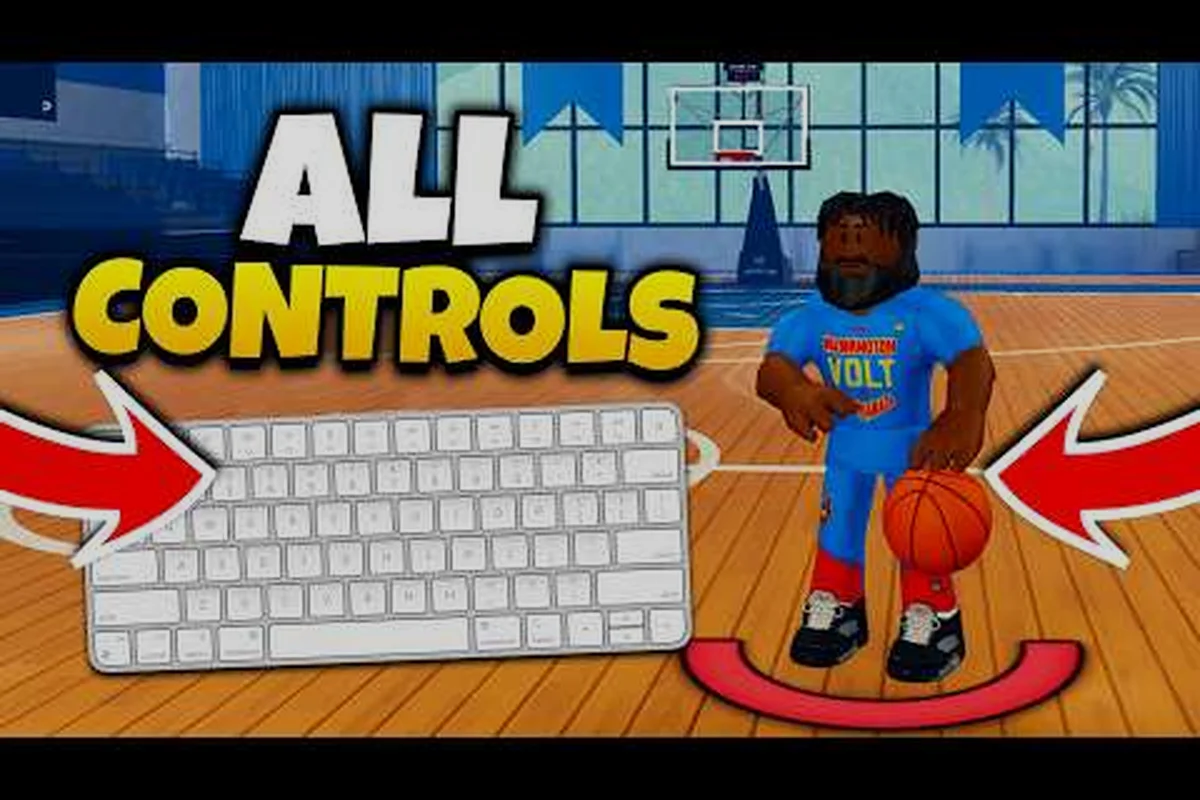
Practical Basketball Controls PC: Complete Keyboard Guide
Master Practical Basketball controls PC with our complete keyboard guide. Learn every keybind, advanced dribbling, defensive setups, and pro tips for Roblox.
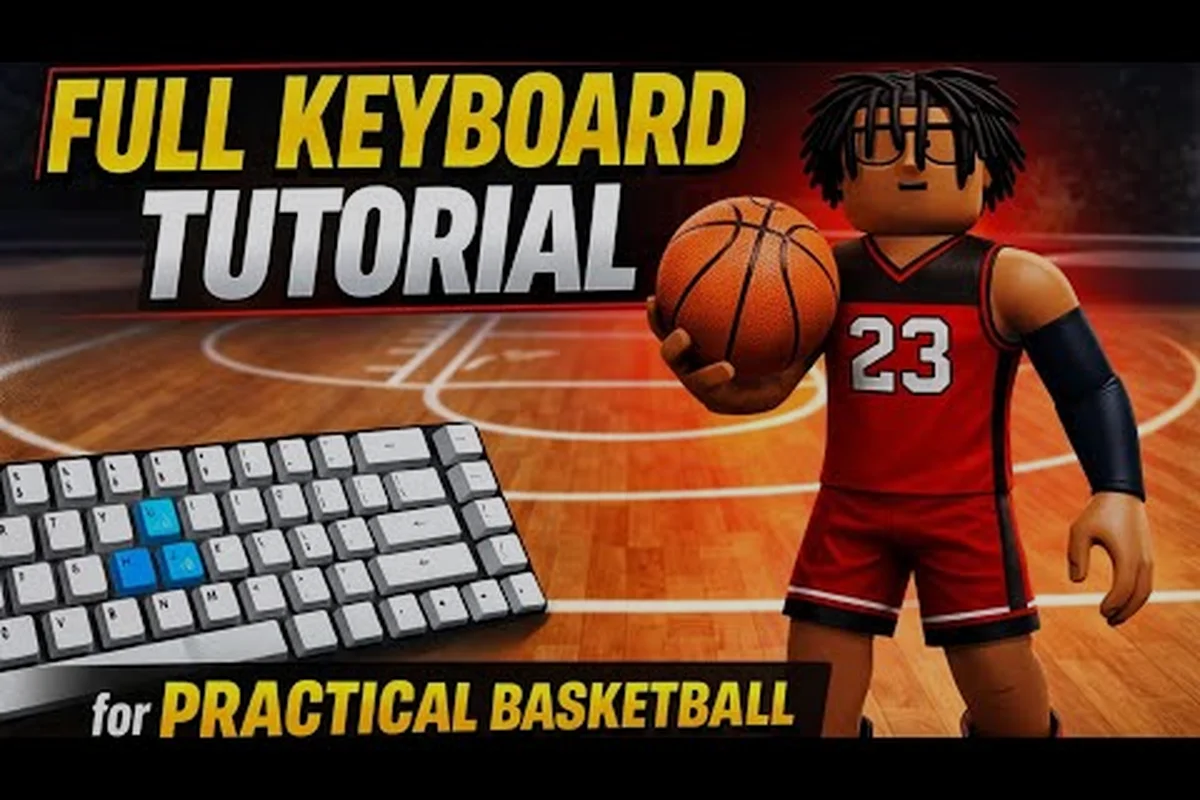
Practical Basketball Keyboard Controls & Pro Keybinds
Master every Practical Basketball keyboard control. Learn default keybinds, pro custom layouts, and advanced dribble moves to dominate the court on PC.
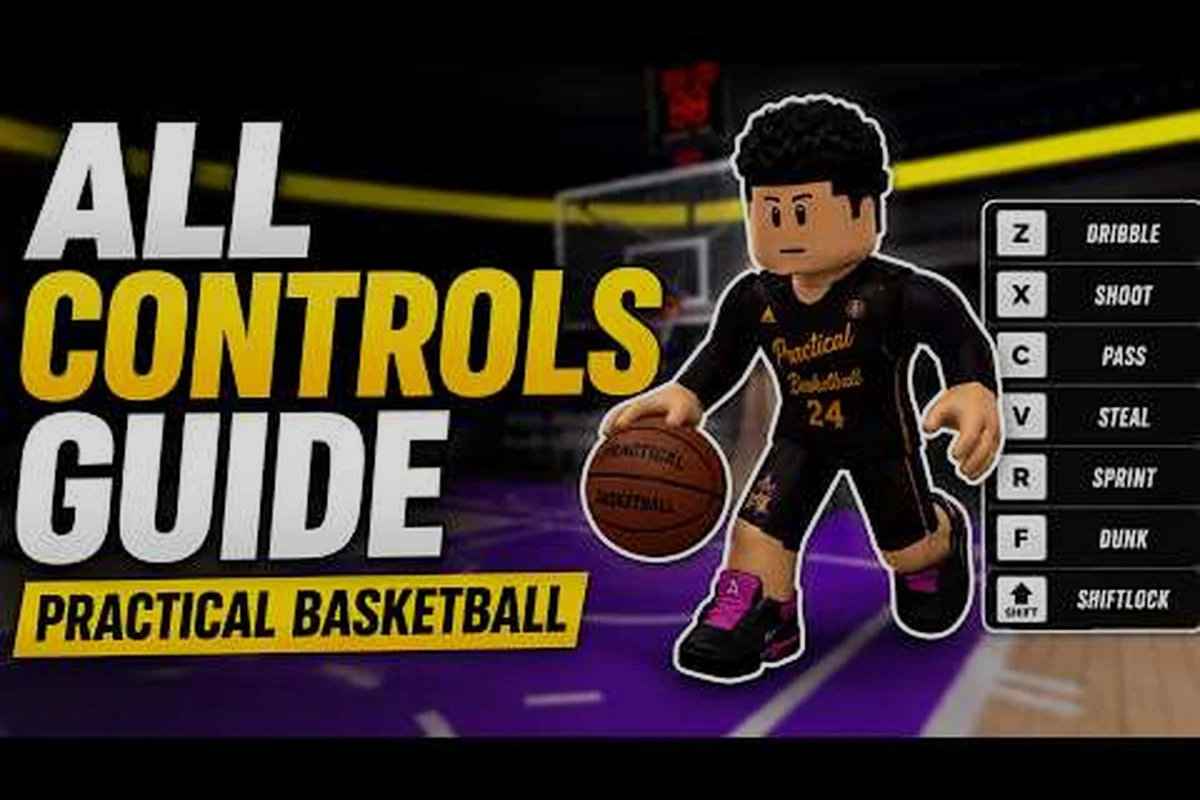
Practical Basketball Mobile Controls: Touch Layout & Tips
Master Practical Basketball mobile controls with this complete touch layout guide. Learn button functions, gesture shortcuts, and pro tips for iPhone and Android.
All Articles
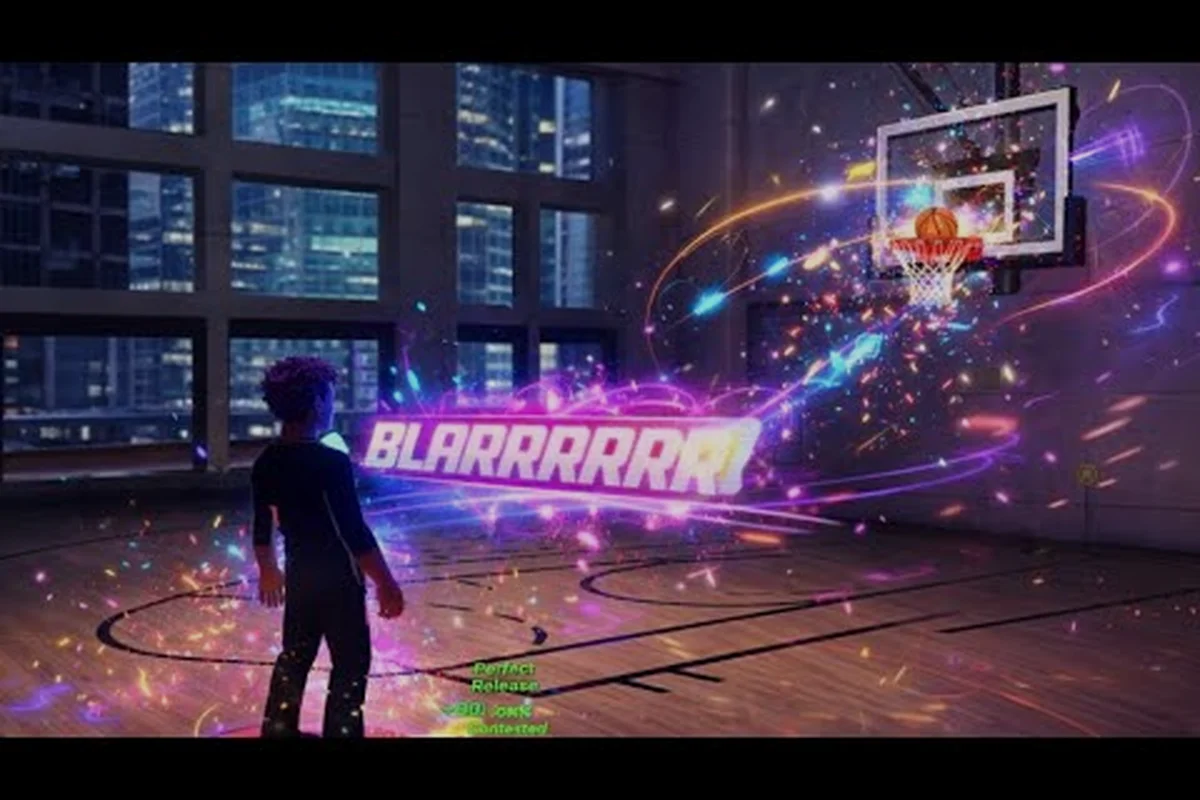
Practical Basketball Control Scheme: Complete Layout
Master the Practical Basketball control scheme Roblox layout for PC, mobile, and Xbox. Learn keybinds, controller mapping, and settings to improve your gameplay.
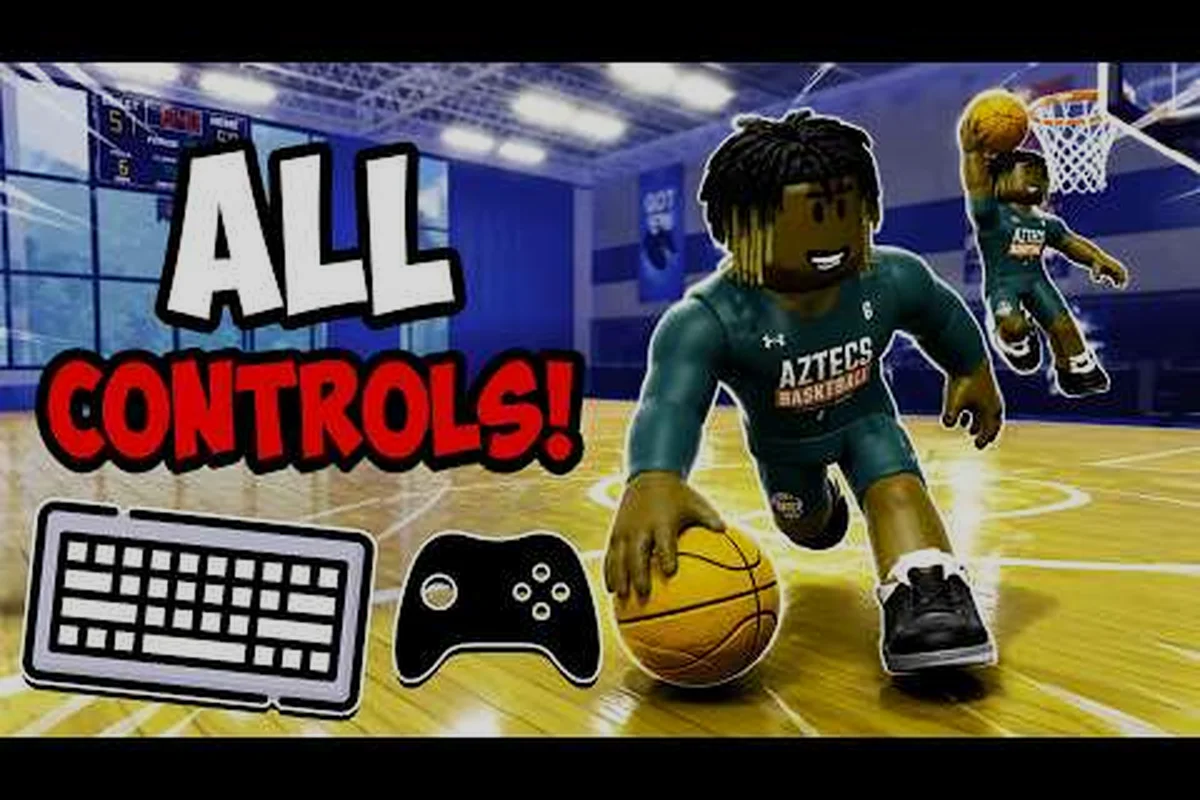
Practical Basketball Controller Layout: Complete Button Map
Master the Practical Basketball controller layout for Xbox and PlayStation pads. Complete button mapping, pro settings, and advanced tips for elite gameplay.
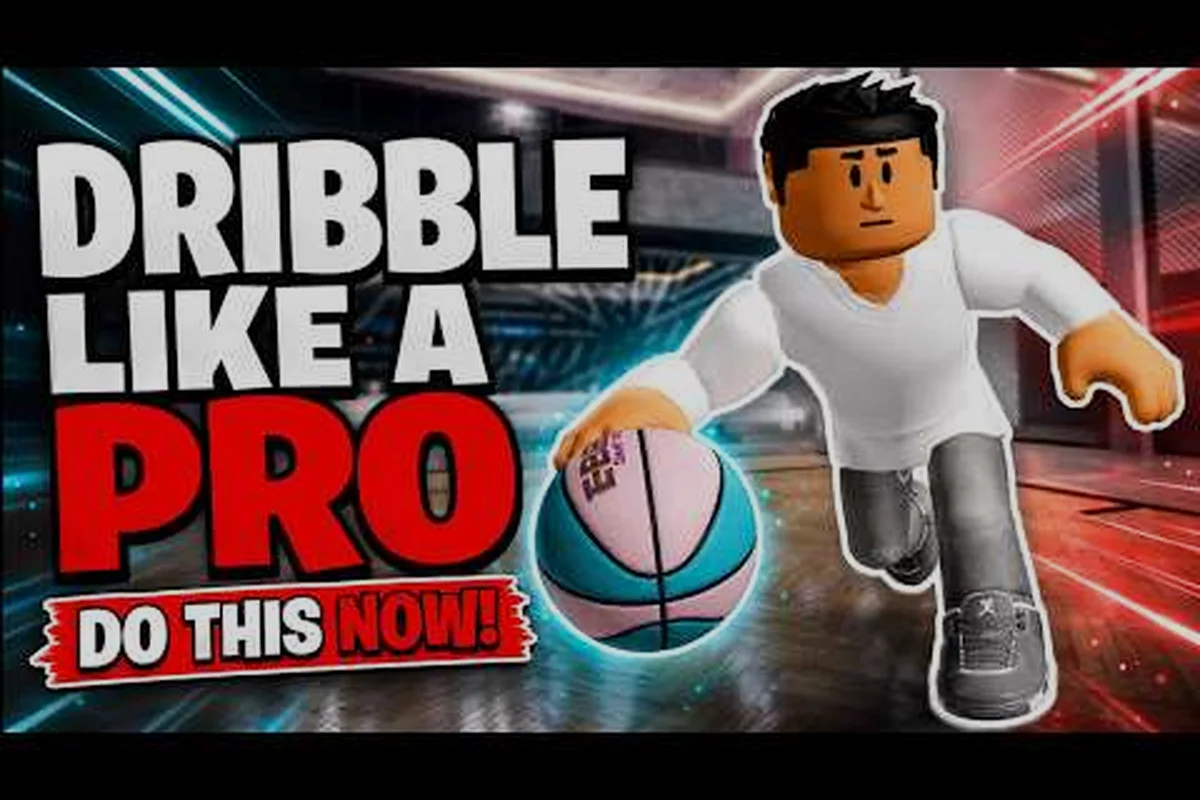
Practical Basketball Defense Controls: Lockdown Guide
Master Practical Basketball defense controls with this complete breakdown. Learn steals, blocks, and defensive stance mechanics to shut down any opponent on the court.
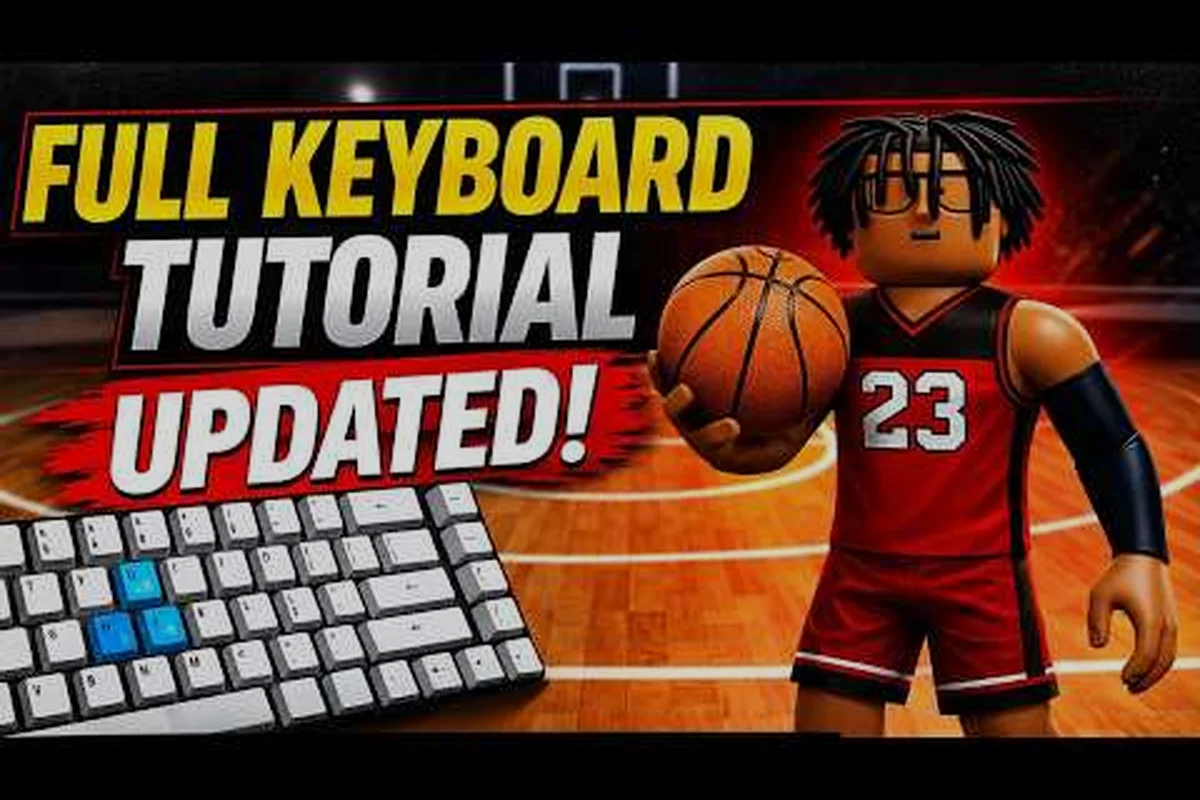
Practical Basketball Pass Controls: Mastering Every Dime
Unlock the court vision to thread needles and break presses. Learn every practical basketball pass controls, bounce, lob, and flashy assist mechanic in this complete guide.
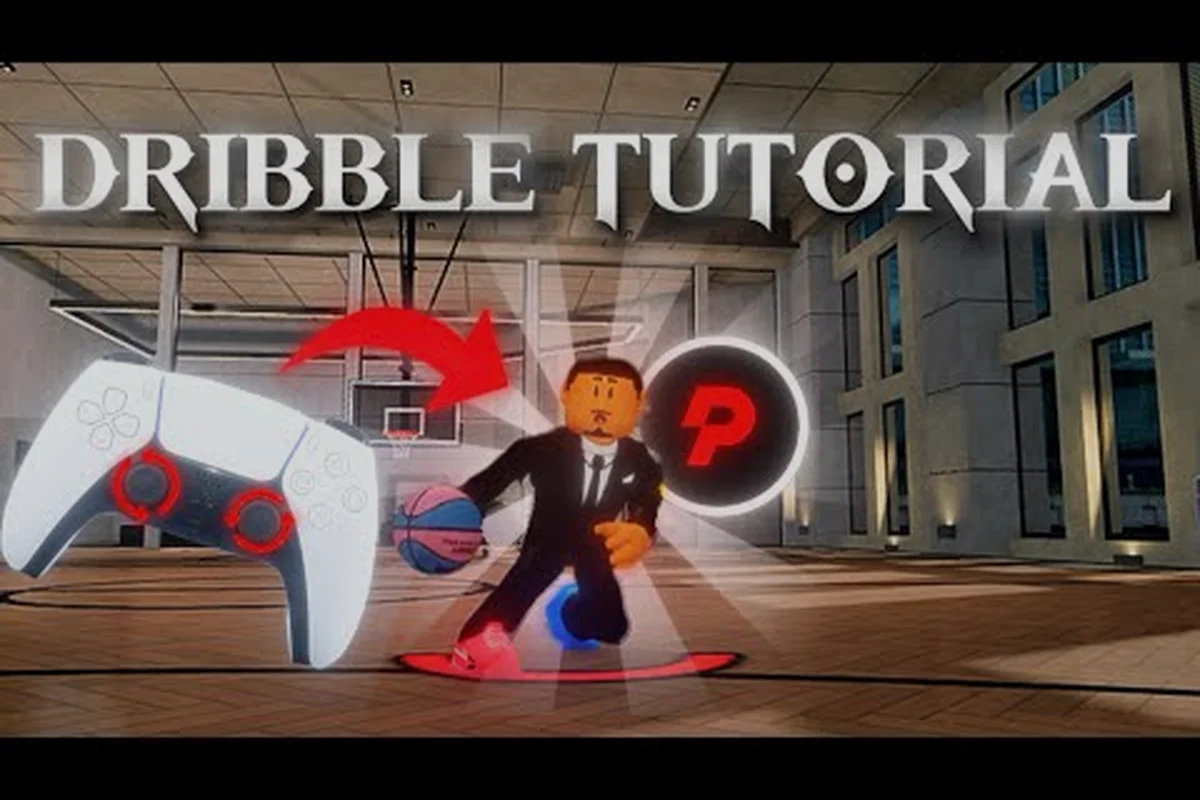
Practical Basketball Shoot Button Mechanics & Timing Guide
Master the Practical Basketball shoot button with our timing guide. Learn the release window, green release mechanics, and how to avoid late-shot penalties in Roblox.
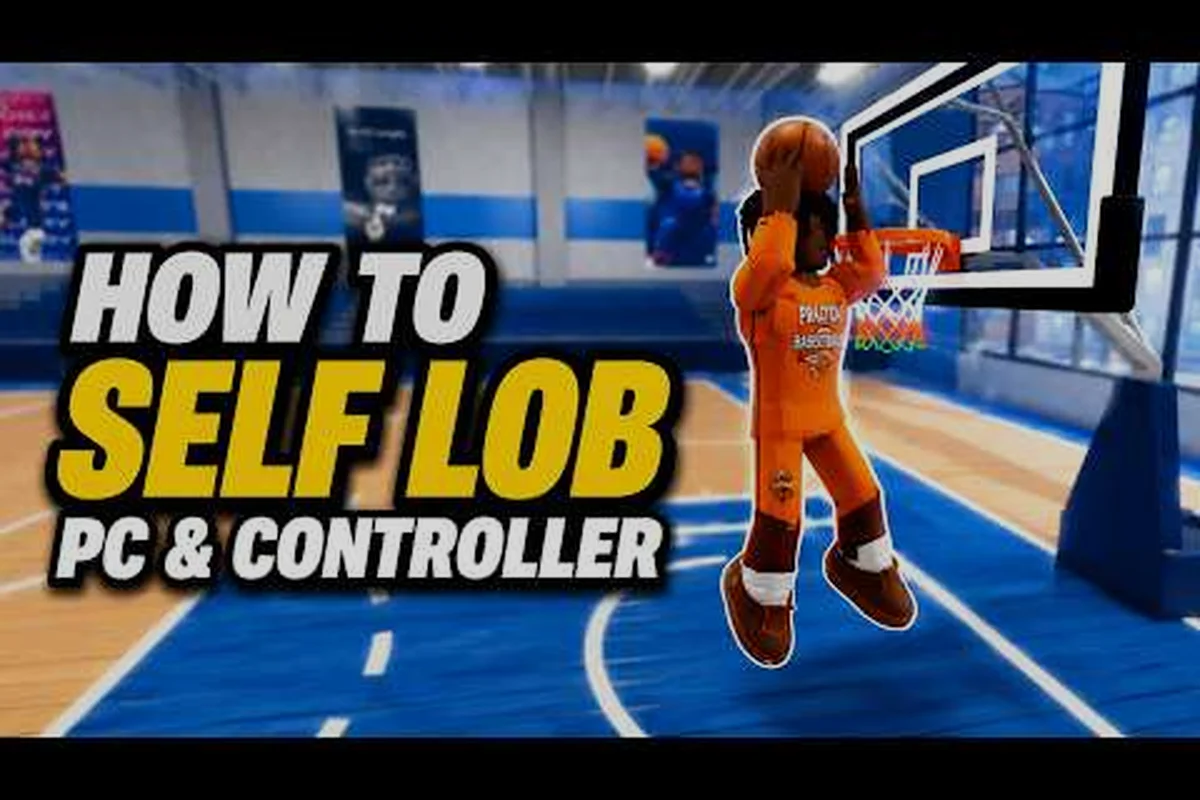
Practical Basketball Xbox Controls: Layout & Mechanics
Master every Practical Basketball Xbox control, from basic dribbling to advanced dunking. Our guide maps the complete controller layout for Roblox ballers.